
Zangi App for iOS
Among messaging apps on the App Store, Zangi stands out for privacy. Encrypted, low-data, and smooth on iOS — without a phone number or SIM.
Installation process
Step 01
Open the App Store
Open the App Store on your iPhone or iPad and go to the search bar.
Step 02
Search for Zangi
Type "Zangi Messenger" in the search bar and locate the official app.
Step 03
Download
Tap Get to download the app. You may need to enter your Apple ID and password.
Step 04
Launch
Wait for the download to complete, then launch Zangi from your home screen.
System requirements
- iOS 13 or above
- iPadOS 13 and up
- No SIM card required
- Internet connection for download
How to use Zangi on iOS
Step 01
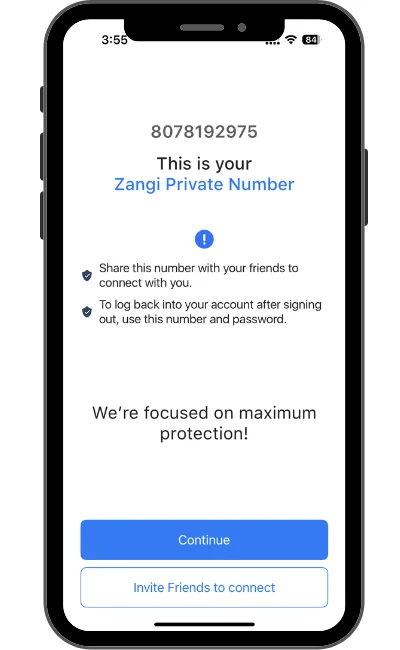
Open the Zangi app after installation.
Step 02
Enter a unique username — no phone number needed.
Step 03
Set a password and tap Register.
Step 04
Search contacts by username, or share your username with friends to connect.
Step 05
Start chatting, calling, or sharing files securely.
Why choose Zangi on iOS?
Private & safe
No SIM required. History clears on new device login.
Works on low data
Send media quickly even on slow connections.
Offline mode
Message nearby devices when internet is unavailable.
No ads
Zero ads, zero pop-ups, zero third-party tracking.
Conclusion
Zangi is free on Android, iOS, and PC, with encryption, HD calls, and offline messaging — a complete private messenger for iPhone and iPad.